A camera-side tool for people who speak on video
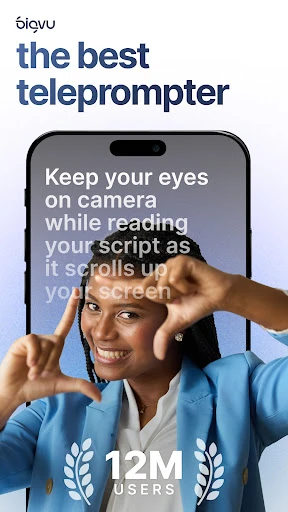
BIGVU Teleprompter & Captions helps you record videos from a script, then add captions and make edits. It suits presenters, teachers, creators and anyone who often talks directly to camera and wants help staying on track without looking away to check their notes.
What it helps with
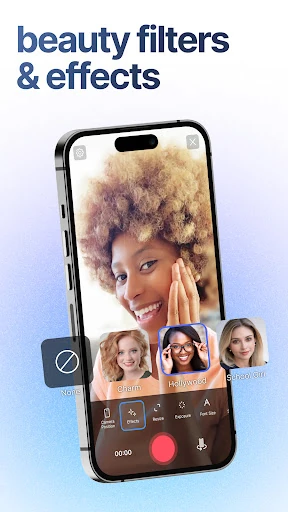
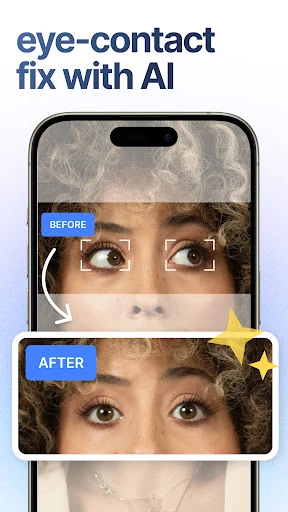
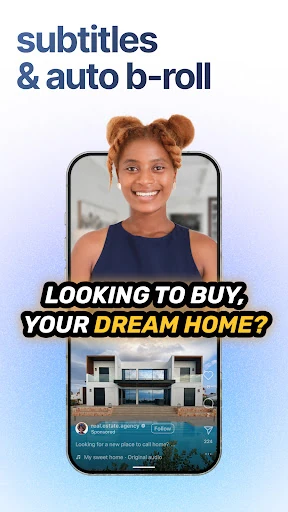
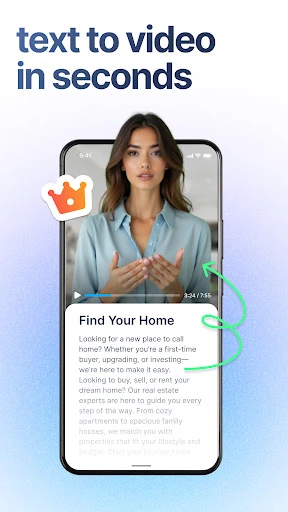
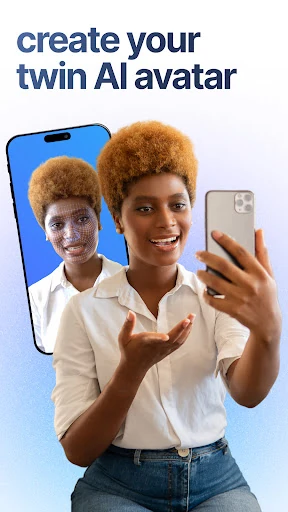
The teleprompter scrolls your script while you record, with controls for text size and pace. After recording, BIGVU can create subtitles and lets you trim footage by selecting words in the transcript. It also offers tools for adjusting eye contact and adding branding or background music, so you can handle several steps of a spoken-video workflow in one app.
That makes it a practical fit for tutorials, presentations and personal messages where clear delivery matters. It is less compelling if you mainly want a general video editor for footage that does not involve speaking to camera.
What to keep in mind
BIGVU is built around prepared, spoken content. Its teleprompter and transcript-based edits are useful when you have a script or a clear message; they may not be the tools you reach for to assemble a more free-form video. The range of production options may also feel like more than you need for occasional, simple clips.
Who might recommend it?
With a 4.17 rating from about 60,594 reviews and 5,000,000+ installs, BIGVU has found a sizeable audience. It is developed by BIGVU AI Eye Contact & Video Subtitles. Consider it if you regularly record yourself and want prompting, captions and basic spoken-video edits together; look elsewhere if your priority is broader-purpose editing.