Quick cutouts for everyday photo edits
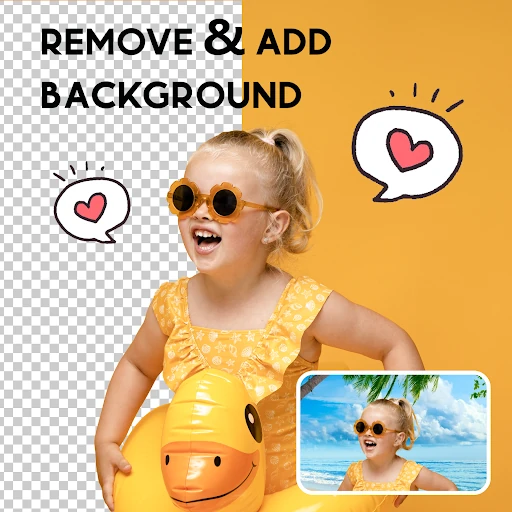
AI Remove: Background Eraser uses AI to separate a subject from the background in a photo, then lets you leave the cutout transparent or put it over another background. It suits people making stickers, memes, product images or social posts who want a faster route than tracing around a subject by hand.
Best for speed, not fine control
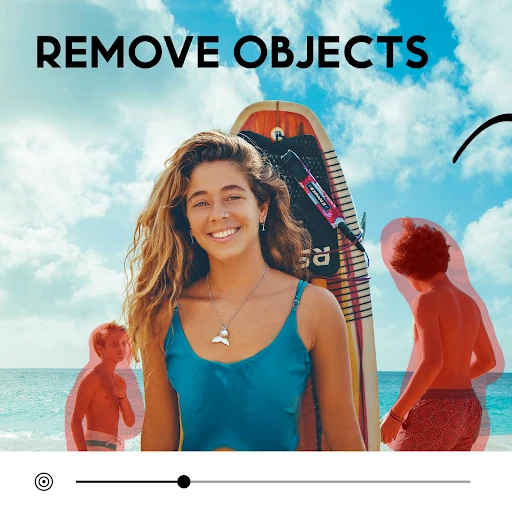
The main appeal is automation: choose a photo and let the app make the selection. That can be handy for a quick edit, especially when you do not need to adjust every edge yourself. The trade-off is that automatic selection may not give the precision an experienced editor wants around detailed or complicated outlines. If exact masking is central to your work, check whether the available editing controls are enough before relying on it.
Cutouts and replacement backgrounds
The app includes background templates, so you can place a subject in a different setting without switching to a separate design tool. Transparent PNG output is useful when you want to reuse a cutout elsewhere, such as in a graphic or sticker. These tools make it a practical fit for casual creators and small, one-off image jobs; they do not make it a full photo-editing suite.
Who might want it
With a 4.26 rating from 4,576 reviews and more than 1,000,000 installs, AI Remove: Background Eraser has found an audience among Android photo editors. Those numbers suggest broad use, not that every cutout will be clean or suit every workflow. It is published by Avn Global Application and is worth considering if you want a focused background-removal tool. If you prefer hands-on selection or need dependable control over intricate edges, a more manual editor may be a better match.