What it does
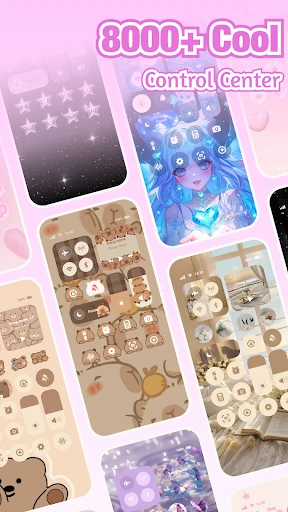
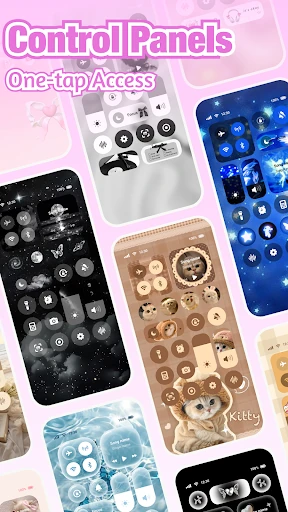
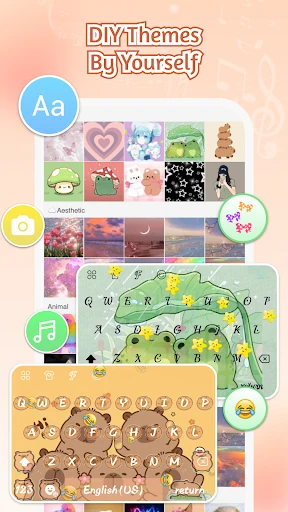
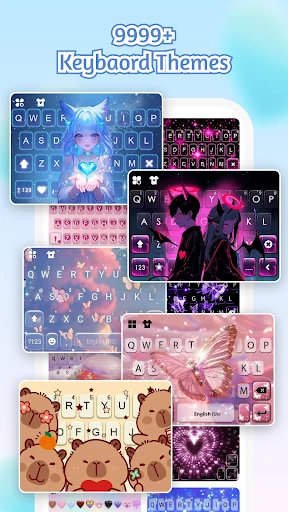
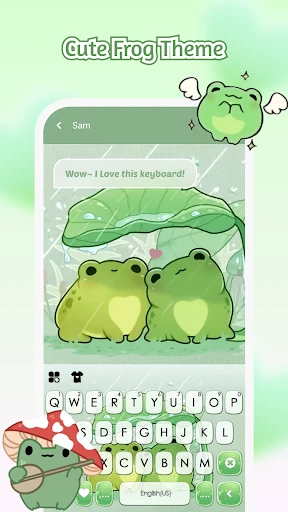
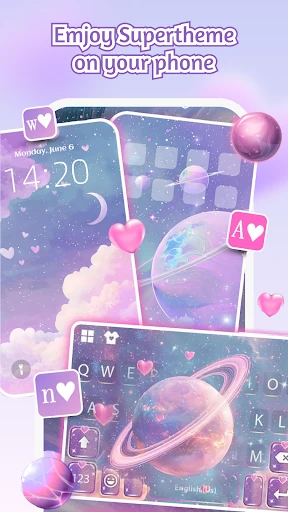
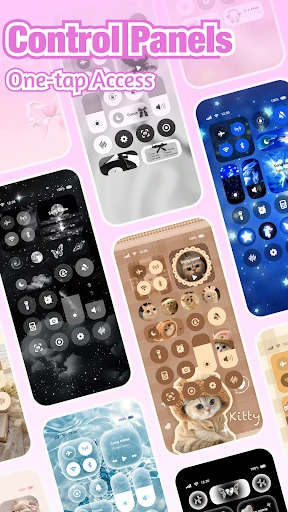
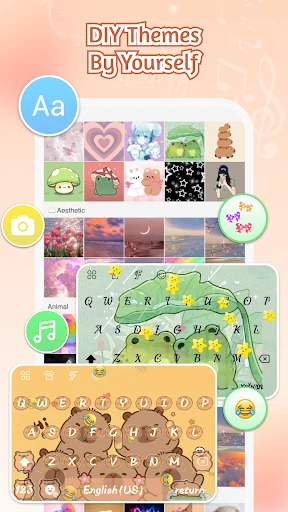
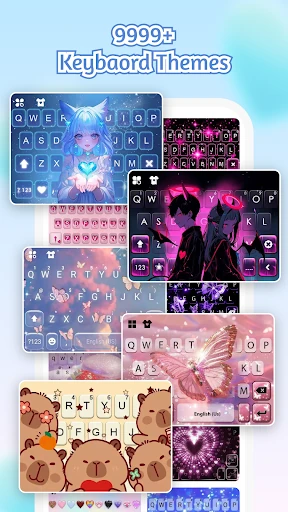
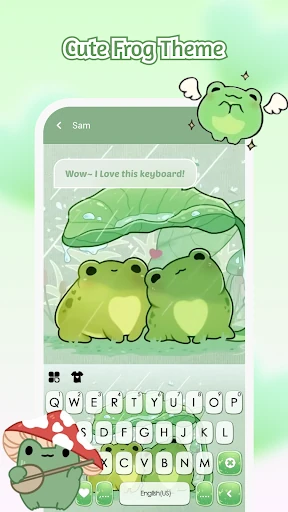
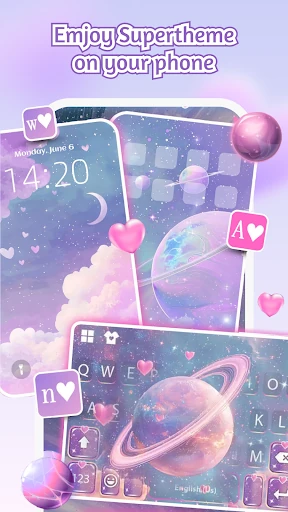
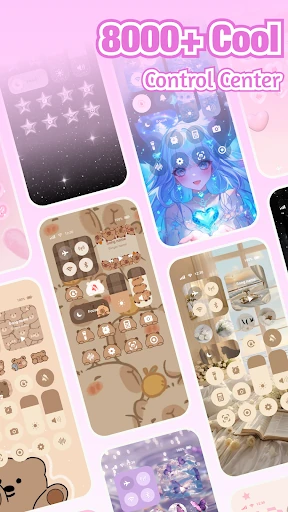
iControl: Easy Widgets Themes is a personalization app for changing the look and feel of an Android home screen. It brings together widgets, visual themes, keyboard designs and a control-center overlay, so you can make several parts of the interface fit one style rather than customizing each separately. The control center puts shortcuts for settings such as brightness, volume, Wi-Fi and media controls in an overlay.
Who it suits
This is for people who enjoy adjusting their phone’s appearance and want more than a new wallpaper or icon set. It may suit someone who likes coordinating their keyboard and home-screen elements, or who wants quick controls available from an overlay. If you are happy with your phone’s standard layout and rarely change it, the extra customization may not be worth the setup or another app to manage.
What to consider
The control-center overlay needs Accessibility Services enabled to work. That is a meaningful permission to consider before turning it on, particularly if you only want themes or widgets and do not need the overlay. Customization apps can also take some experimenting: decide which parts you actually want to change rather than switching everything at once. The main appeal here is having several visual and shortcut options together, not a requirement to use every part.
Recommendation
With a 4.6 rating from 27,637 reviews and more than 10 million installs, iControl has reached a substantial audience, though those figures cannot tell you whether its style will suit you. It is worth considering if you like hands-on home-screen personalization and want coordinated widgets, keyboard themes and quick controls. If you prefer a minimal setup or avoid enabling accessibility permissions for an overlay, you may be better off using your phone’s built-in options. The developer is listed as Fancy keyboard for theme apps.