Advertisement
Click to download now, finish the installation quickly, and directly unlock the all-round experience
Advertisement
Screenshots
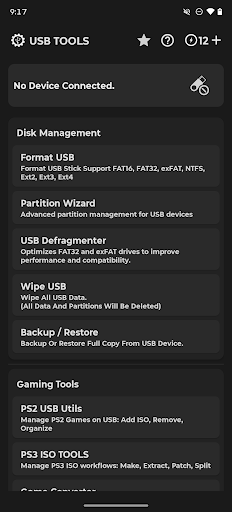
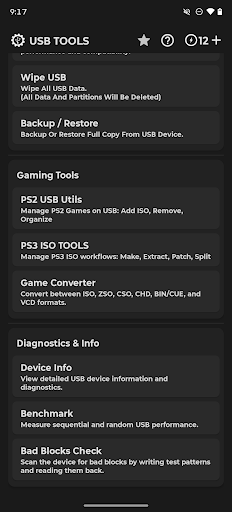
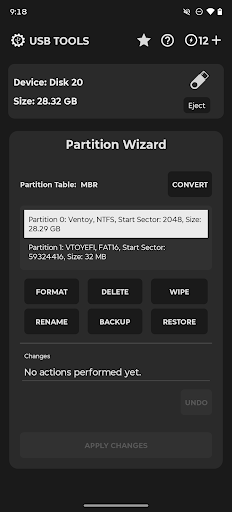
Click to download now, finish the installation quickly, and directly unlock the all-round experience
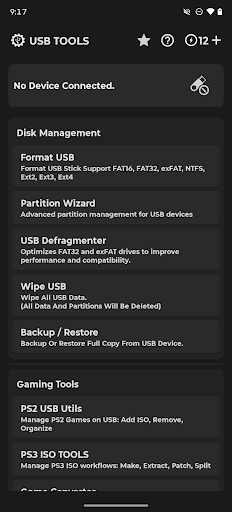
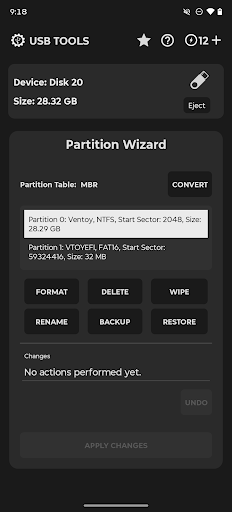
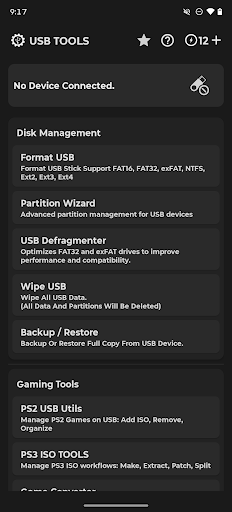
USB TOOLS is an Android toolkit for managing and checking USB drives. It suits people who want to format or partition a drive, look for deleted files, test storage for faults, or prepare USB storage for console games without relying on a computer. It also includes tools for PS2 and PS3 game files, so casual users who only need to browse a drive may find it broader than necessary.
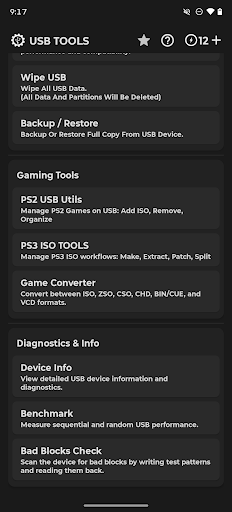
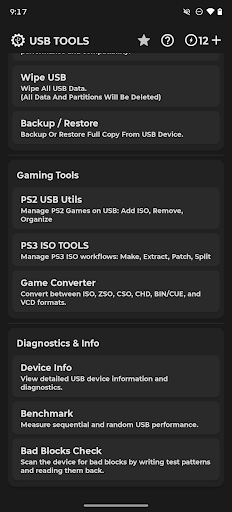
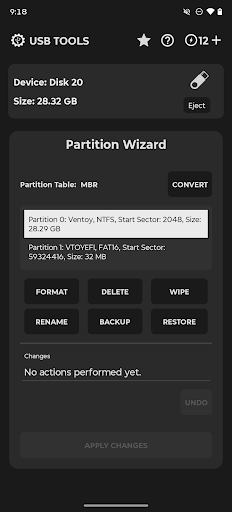
Drive tools cover formatting in several file systems, partition changes, backups, defragmentation and secure wiping. Recovery scans can search for deleted files and lost partitions; results are not guaranteed, so treat recovery as an attempt rather than a promise. Diagnostics include bad-block tests, speed benchmarks and device information, including checks that can help flag counterfeit capacity.
There are also utilities for organizing PS2 game files and converting or splitting game images for PS2 and PS3 setups. That makes the app more relevant to people maintaining console storage than to someone looking for a simple USB file manager.
Some operations change or erase drive data. Formatting, partitioning and wiping deserve particular care, and a backup is sensible before making changes. Most features are described as working without root, but access to an internal SD card slot requires root. Formatting and some partition tasks use tokens, which can be earned by watching an ad or bought; other listed tools are available without tokens.
MixApplications’ USB TOOLS has a 4.64 rating from about 24,468 ratings and more than 1,000,000 installs. Those figures suggest it has found a substantial audience, especially among people who need more than basic drive access. The best fit is someone comfortable with storage-management tasks and their risks, rather than someone who wants a one-tap, no-decisions utility.