Advertisement
Click to download now, finish the installation quickly, and directly unlock the all-round experience
Advertisement
Screenshots
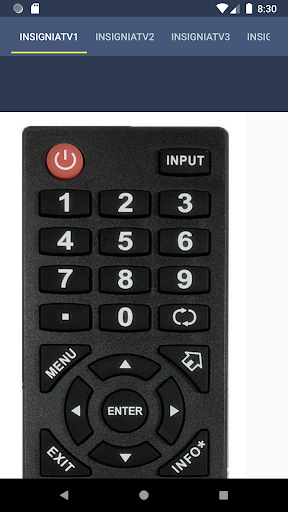
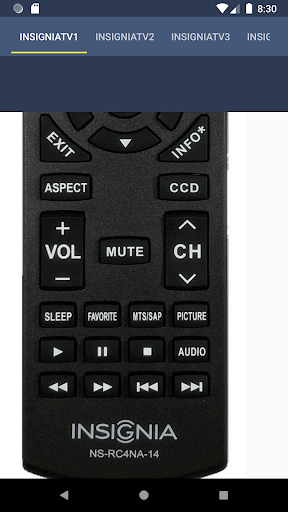
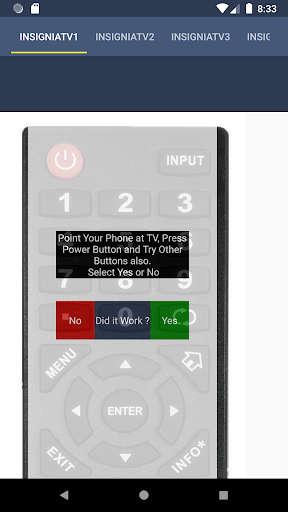
Click to download now, finish the installation quickly, and directly unlock the all-round experience
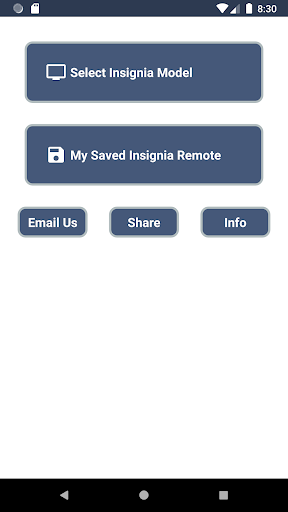
Insignia TV Remote turns a compatible Android phone into a remote control for an Insignia TV. It suits someone who has a phone with an IR blaster and wants the everyday controls close at hand, especially if the physical remote is misplaced. It is not a fit for phones without infrared hardware.
The listed controls cover common TV tasks: power, volume and channel changes, mute, input selection, Home, Menu and Settings. There is also a keypad, a previous-channel button and multimedia controls. That makes it more useful for ordinary viewing than an app limited to a few basic buttons, though it still depends on your phone and TV responding to its signals.
Having an Insignia TV is not enough on its own: the app’s stated phone requirement is an IR blaster. If your phone has one, test the power button first, then check the other controls. A failed response may mean the phone or the particular remote control option is not compatible, so do not assume every Android handset will work.
Remote Planet’s Tools app has a 4.0-star rating from 3,188 ratings and has passed 500,000 installs. Those figures suggest it has found an audience, but they cannot confirm that it will work with your specific phone and television. The sensible recommendation is narrow: consider it if your phone has an IR blaster and you want familiar Insignia TV controls; otherwise, look for another way to control the set.